Dataloaders
Preparing data during training and testing is more than simply loading images and labels.
Random noise and other transformations during training can help to greatly improve a model’s performance and is almost necessary to prevent overfitting.
Our custom dataloaders can be found in kitcar_ml.utils.data.data_loader.
Example
The kitcar_ml.utils.data.data_loader.transforms.albumentations_transform.AlbumentationsTransform allows to define a number of transformations that are
applied to images when they are loaded.
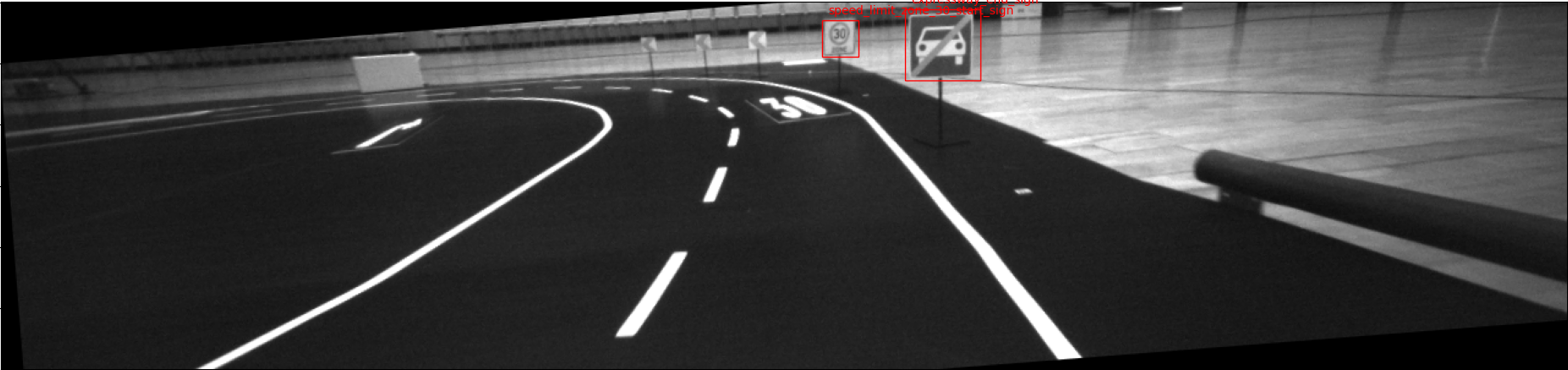
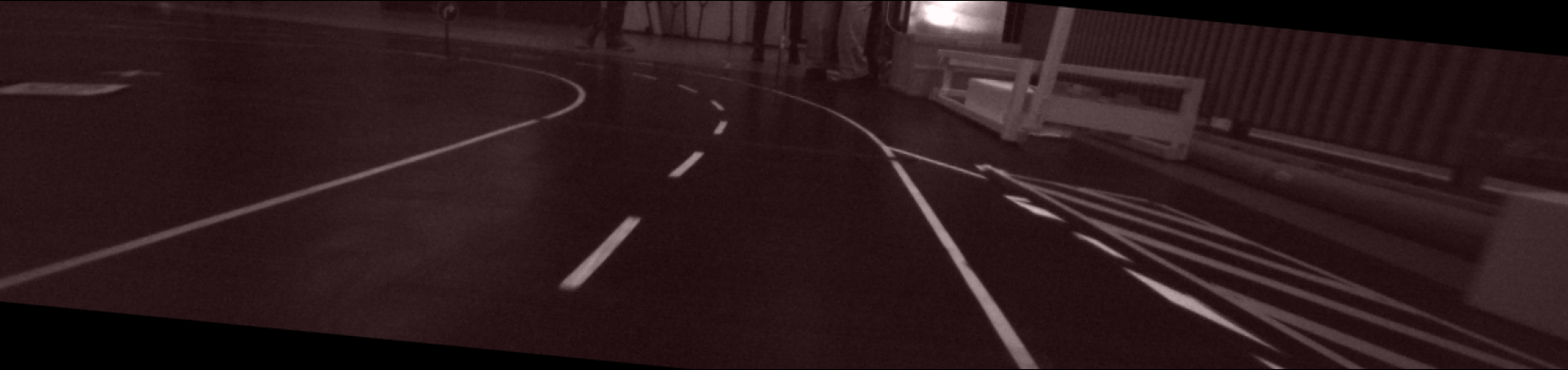
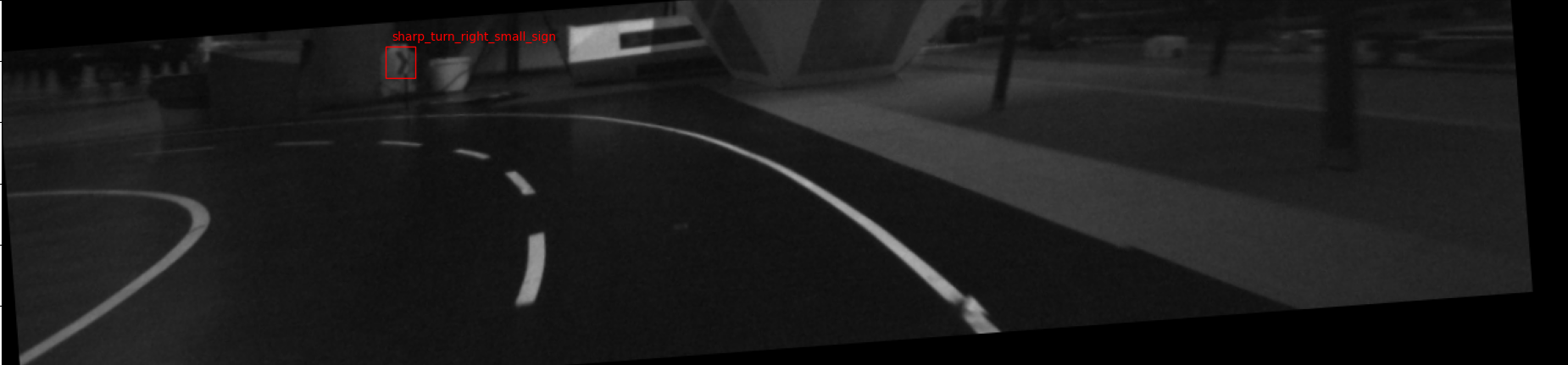
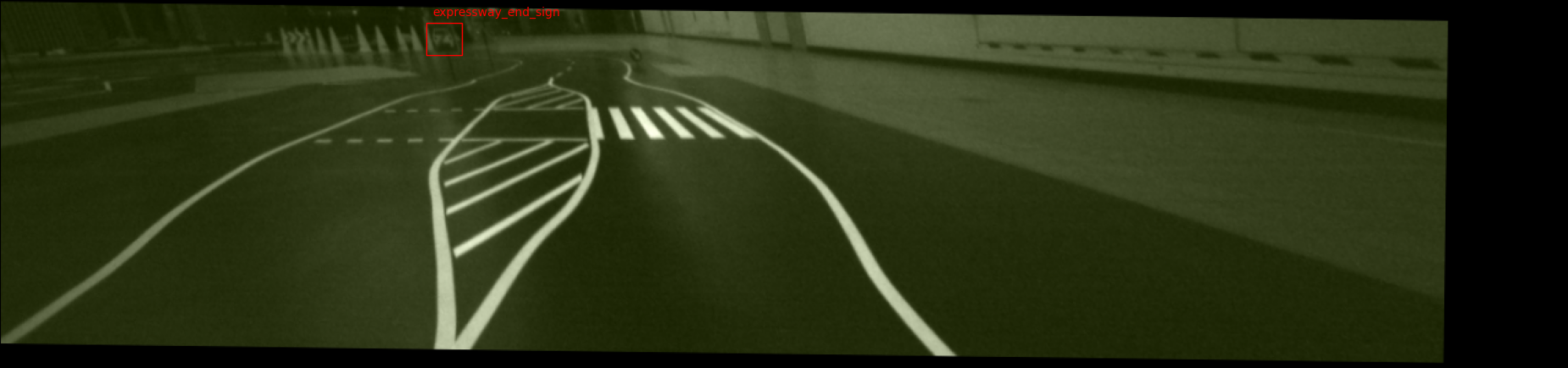
The following dataloader first shifts the colors, then the image perspective is changed and then the images are shifted, scaled and rotated.
import augmentations
from kitcar_ml.utils.data.data_loader.bbox_data_loader import BBoxDataLoader
from kitcar_ml.utils.data.data_loader.transforms.albumentations_transform import (
    AlbumentationsTransform,
)
bbox_params = albumentations.BboxParams(
    format="pascal_voc", label_fields=["class_labels"], min_area=500
)

transform = AlbumentationsTransform(
    [
        albumentations.RGBShift(p=0.7),
        albumentations.Perspective(),
        albumentations.ShiftScaleRotate(
            shift_limit=0.0625,
            scale_limit=0.1,
            rotate_limit=10,
            p=0.5,
            border_mode=cv2.BORDER_CONSTANT,
        ),
    ],
    bbox_params=bbox_params
)

data_loader = BBoxDataLoader(
    dataset=dataset,
    transforms=[transform],
    batch_size=1,
    shuffle=True,
)
The resulting images look like:
Mosaic transformation example
The kitcar_ml.utils.data.data_loader.transforms.mosaic_transform.MosaicTransform allows concatenating multiple images to a new image.
The mosaic image is arranged in a grid. The number of columns and rows can be defined.
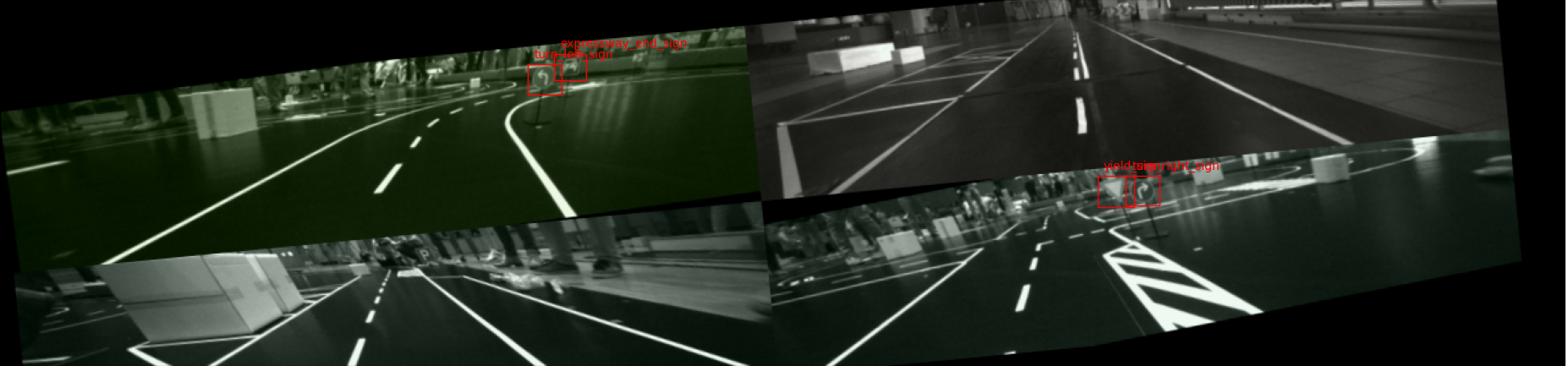
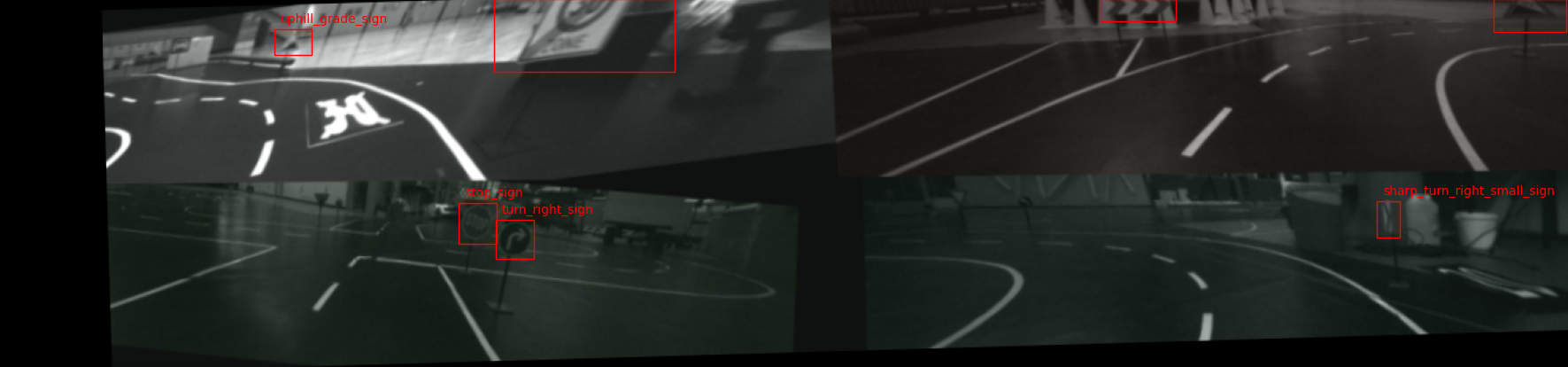
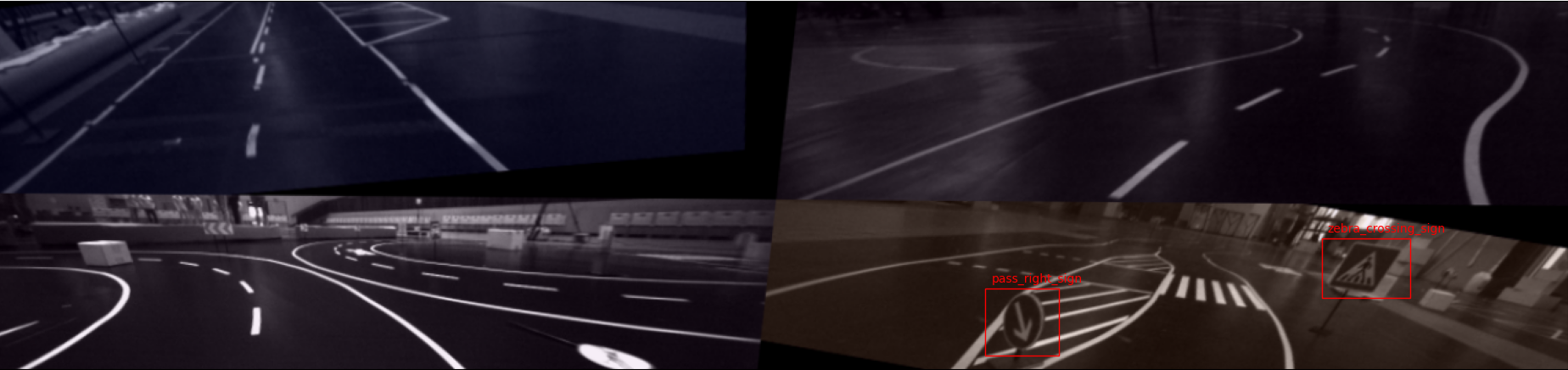
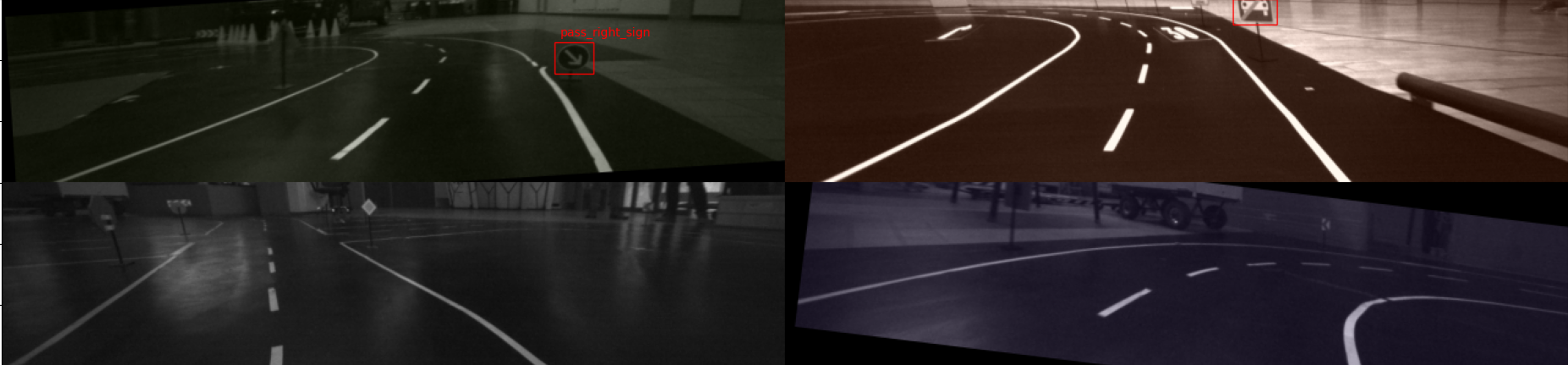
The dataloader first gets the transformation from above and then the mosaic_transformation. After that the transformation from above is applied again. This results in a mosaic of transformed images.
from kitcar_ml.utils.data.data_loader.transforms.mosaic_transform import (
    MosaicTransform,
)

mosaic_transform = MosaicTransform(
    rows=2,
    columns=2,
)

data_loader = BBoxDataLoader(
    dataset=dataset,
    transforms=[transform, mosaic_transform, transform],
    batch_size=1,
    shuffle=True,
)
The resulting images look like:
Tip
As you can see the augmentations can be drastic. Therefore you need to be careful how much you augment the image.
You can test your augmentations with the script kitcar_ml.utils.data.data_loader.example.
There are many augmentations in the library we use: Github .